
Reference

The xslots App Experience on Your Phone

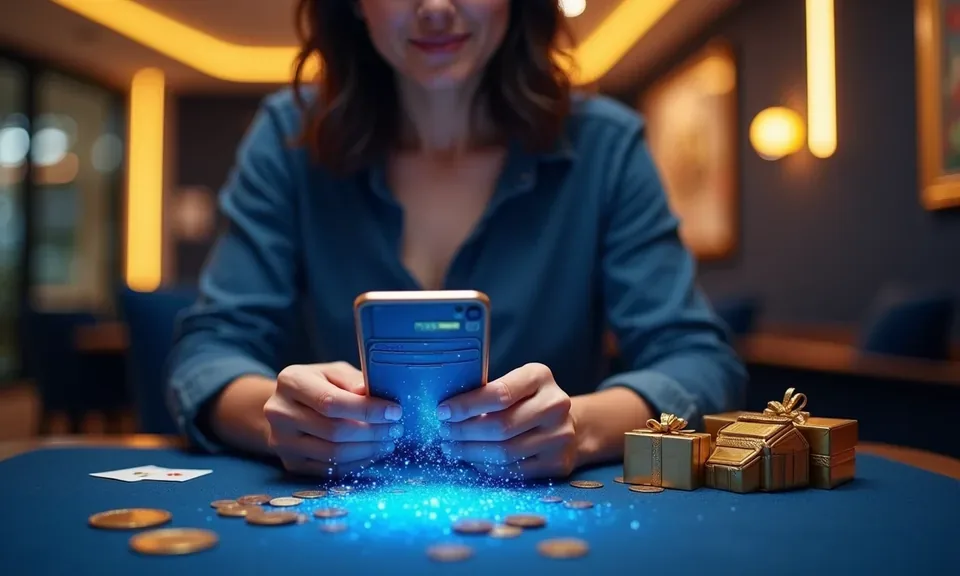
The xslots lobby runs in your mobile browser without needing a download — slots, live dealer tables, and NFL sportsbook markets load directly from your device, available where state law permits.

mobile browser accessno forced downloadavailability by statelive dealer on mobileaccount wallet on-screen
xslots The xslots App Experience on Your Phone
xslots Mobile Access in 3 Steps

Mobile Access in 3 Steps

No app store required for browser-based access. Open xslots in your phone's browser — Chrome and Safari both work well. Check that your browser is current; an outdated version can cause tables or game tiles to load slowly or not at all. Sign in using your account credentials or use fingerprint login if you have it enabled. From there the full lobby

— slots like Midnight Rush, live dealer rooms, and the sportsbook betslip — is available in the same session. If xslots releases a dedicated native app for your state, a download prompt will appear on the site automatically

  • Open the current site — Navigate to xslots in your mobile browser. No separate URL or redirect needed — the site detects your device and serves the mobile layout.
  • Check browser compatibility — Use an up-to-date version of Chrome or Safari. Outdated browsers can block live-dealer streams or prevent the betslip from updating in real time.
  • Sign in securely — Enter your account credentials or authenticate with fingerprint login. Two-factor verification may be required on a new device for account security.

Four Things That Make Mobile Play Smoother

Each feature below is built around how you actually use a mobile account — fast sign-in, fewer taps to games, and account control without switching apps.

Fingerprint Login

Biometric authentication gets you into your account in under a second. No password to type on a small keyboard when a live table is filling up fast.

Push Notifications

Opt in and we send an alert when your favorite live table opens, a round settles, or a sportsbook market you saved becomes active.

Dark Mode Display

The xslots mobile interface supports dark mode automatically — easier on the eyes at night and lighter on battery when you are deep in a slot session.

Lobby Preview

Browse game tiles and check table minimums before your session fully loads — useful on slower connections so you pick your game without waiting around.

xslots Slots, Live Tables and Betslip on the Go

Slots, Live Tables and Betslip on the Go

Pull up Smoky Mountain Wilds or American Blackjack from the xslots mobile lobby the same moment a game kicks off and the NFL betslip is a single tap away. Push notifications alert you when a live dealer table opens or a round settles — no need to keep the screen on. Quick deposit puts your wallet front and center so you can

fund your account without hunting through menus. Fingerprint login handles authentication in under a second, which matters when you want to catch a halftime market before it closes. Players in Pittsburgh reach the lobby in seconds through a standard mobile browser.

DEVICE COMPATIBILITY CHECK

What Devices and Accounts Work With xslots

Browser-based access covers a wide range of current devices. The checklist below covers what to confirm before your first mobile session.

01

Mobile Browser

Current versions of Chrome on Android and Safari on iOS handle the full xslots lobby including live dealer streams. Check your browser's About page to confirm it is up to date.

02

Screen Layout

The lobby adapts to portrait and landscape orientations. Live dealer tables are easier to follow in landscape; slot reels work well either way.

03

Account Requirements

Your xslots account must be verified before accessing real-money rounds on mobile. Identity verification is completed once and carries across devices.

04

State Eligibility

Mobile access to real-money play depends on your state's laws. Check the xslots site to confirm whether your state is currently supported.

05

Native App Availability

A dedicated iOS or Android app may be offered in select states. The xslots site will show a download option if a native build is available where you are.

Common Questions About the xslots App

Answers here cover how mobile access works, what devices are supported, and how account features carry over from desktop to phone.

No download is required for browser-based access. Open xslots in Chrome or Safari and the mobile lobby loads directly — slots, live tables and the betslip all run in-browser.

A native app may be available in select states. Check xslots on your device — if a native build is live for your state, the download prompt appears on the site automatically.

Yes. Once biometric login is enabled in your account settings, fingerprint authentication works on both iOS and Android devices through the mobile browser session.

Your account, wallet balance and game history are identical across devices. Verified identity, account preferences and any active promotions carry over without extra steps.

The full catalog is available on mobile — including Smoky Mountain Wilds, American Blackjack, Midnight Rush, live dealer rooms and NFL sportsbook markets where state law permits

Update your browser first — outdated Chrome or Safari versions are the most common cause. If the issue continues, clear your browser cache and reach out to xslots account support via live chat.
Reference

xslots App

Service availability depends on eligible states and local law. US online casino and sportsbook access is licensed state by state, so check your state's rules before opening an account. 21+ where applicable.

Access may be available only in states where local law permits.